
YOUR FIRST HELLO
How to play BoomBang
New to the islands, or finding your way back? Here is the route from this website to your first conversation in BoomBang.
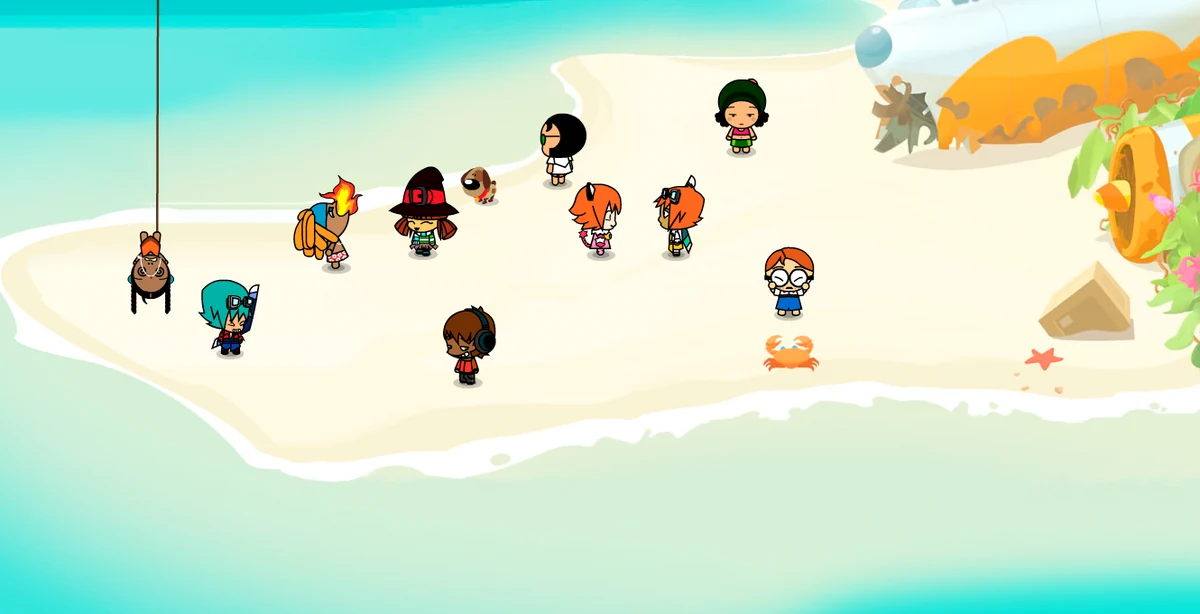
From the website to the world
Check the current access
During the closed beta, continue to the existing access page and use your authorized email. When public access is enabled, the download page offers the Windows launcher.
Install the launcher
Use the installer linked from the official download page, open it and follow its instructions. Start BoomBang through the launcher.
Find somewhere to land
Explore public rooms, say hello and get familiar with your keko. Take your time: the social world is as much about the people as the places.
Try something different
Visit another area, work on your own style or join a minigame. Features and availability can change while the beta is being tested.
A few useful things to know
PC Windows is the confirmed platform. This promotional website introduces the world and directs you to access and downloads; the game opens through its launcher.
You can browse these pages without signing in. Closed-beta authorization belongs to the existing access service, so use its instructions if your email has not been enabled.
The next milestones
The schedule is shown in UTC. Your local time appears below each date.